A kindergarten math center works best when it practices one skill, runs without you hovering and lets kids check their own work.
We have watched math centers in a real classroom that were mostly by the book, and the kids looked miserable. Bright Minds Club grew out of wanting the opposite of that. Nathan puts it this way: "Bright Minds Club is the website you wished you had as a kid. It has games that keep kids entertained while they are actually learning."
Each Bright Minds Club game is tagged for kindergarten and sticks to one skill. Almost every game gives a hint when an answer is off. Kids who play them have loved it and always ask to play some more. There isn't one favorite around here. The whole mix gets replayed.
Set one tablet or Chromebook as the digital station. Keep the other stations hands-on. Ideas for those are under Ideas for the rest of the rotation.
Digital station ideas by skill
Each card links to its game page.
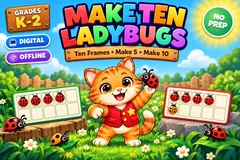
Making 10
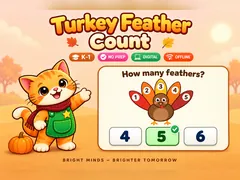
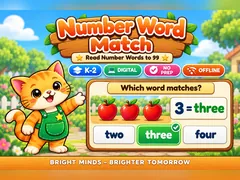
Counting and number words
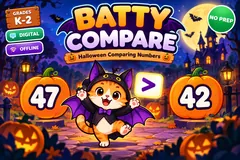
Comparing numbers
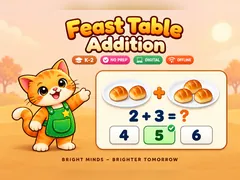
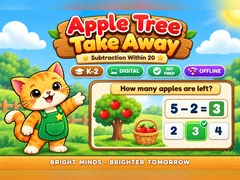
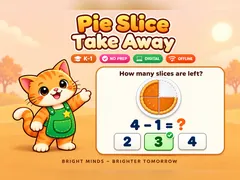
Adding and taking away
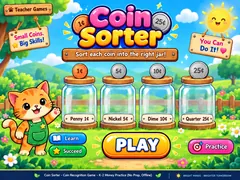
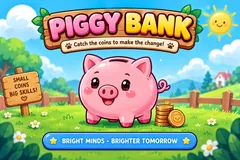
Coins
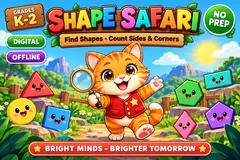
Shapes
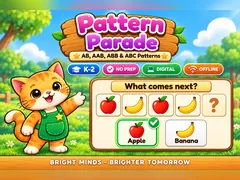
Patterns and sorting
Number line
How to run the digital station
Match the game to this week's skill. Open it before centers start.
Kids play in a Chromebook, iPad or laptop browser. Nothing to install. They don't sign in.
No ads. No chat. Nothing inside costs real money.
Teachers and parents kept saying the same thing: they don't have time, and they don't want a tech project just to run a center. So we made these click-and-play.
No-account games work offline once they have been opened, so Piggy Bank Coin Counting and Shape Safari stay useful when wifi is down.
For a whole-group warm-up, put a game on the projector, read the question out loud and wait until the class agrees before you click.
Ideas for the rest of the rotation
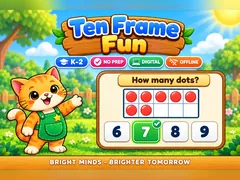
Counters and a ten frame mat next to the Ten Frame Fun skill. A tray of real or play coins when Coin Sorter is on the screen. Shape hunt around the room on Shape Safari days. Cubes or stickers on pattern strips beside Pattern Parade. Guided small-group work at the teacher table while the digital station runs on its own.
No-prep math games from Teacher Games
Bright Minds Club grew out of Teacher Games, Nathan's classroom math games for K-2 teachers. For December centers these Christmas math games are tagged for kindergarten on TpT:
- Snowball Compare (K-1, comparing numbers)
- Reindeer Take Away (K-1, subtraction)
- Ornament Patterns (K, AB, AAB and ABC patterns)
- Candy Cane Measure (K-1, measurement)
Try it
No card needed for the trial.
Questions about kindergarten math centers
What are good kindergarten math centers?
We've sat in classrooms where the math centers were mostly by the book and the kids looked miserable. What works better for us is one skill per station (making 10, counting, comparing numbers, coins, shapes or patterns), a digital station that practices that same skill and gives a hint when an answer is off, and hands-on work at the other seats so you're not stuck hovering.
Are there free digital math centers for kindergarten?
Piggy Bank Coin Counting, Which Is Worth More? and Shape Safari cost nothing and need no account. Member games cover the rest of the skill list, and the 14-day trial with no card opens every game.
Do the games work on classroom Chromebooks and iPads?
They run in Chromebook, iPad and laptop browsers with nothing to install. Students don't get logins either; only the teacher signs in.
Do the games line up with standards?
Many of the game pages already list the Common Core standards they're aligned to, so you can check that while you're writing plans instead of hunting later.